

Download TimeSprint – Productivity, Gamified Tasks, AI Sprint, Task Management, Focus App
Overview
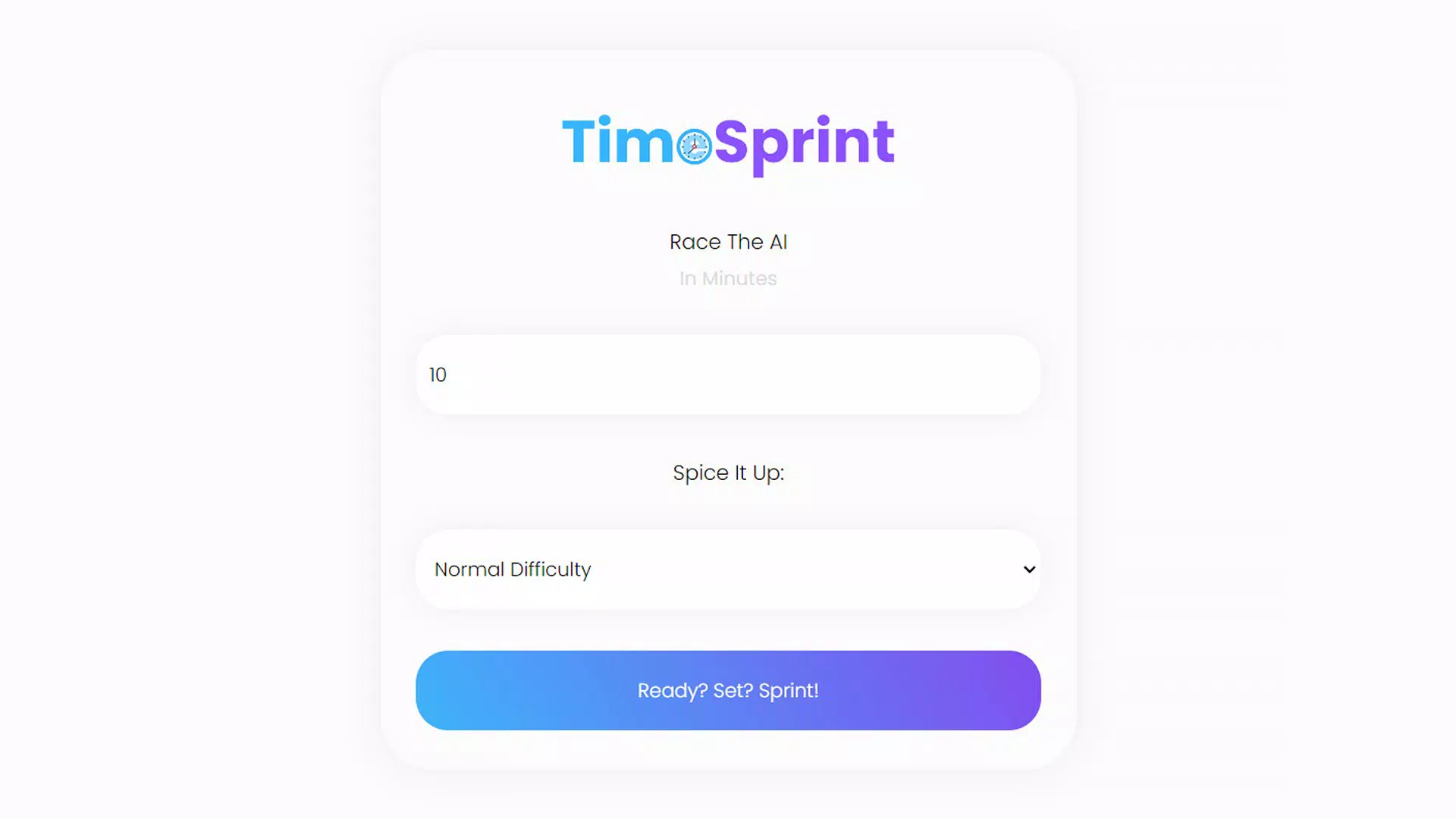
TimeSprint is a mobile application designed to transform the routine of completing work and school assignments into an engaging, competitive experience. By integrating gamification elements with task management, the app aims to reduce procrastination and increase focus through an AI-driven sprint system. The core purpose of TimeSprint is to make productivity enjoyable by turning task completion into a race against a dynamic AI opponent. This approach targets students, remote workers, and anyone seeking to improve their time management and concentration levels in a distraction-free, goal-oriented environment.
The app is particularly beneficial for individuals who struggle with motivation during long study or work sessions. By introducing a sense of urgency and reward, TimeSprint encourages users to stay on track and complete tasks efficiently. Real-world use cases include preparing for exams, meeting project deadlines, or organizing daily to-do lists with a fun, interactive twist. The developer, TimeSprint Team, has focused on creating a lightweight, accessible tool that fits seamlessly into modern digital lifestyles.
As part of the growing productivity app ecosystem, TimeSprint stands out by emphasizing engagement over traditional to-do lists. It leverages psychological incentives such as competition and reward accumulation to foster consistent use. The app’s release in August 2024 marks a timely entry into a market increasingly seeking innovative ways to maintain focus in a distracted world.
Key Features & Functionality
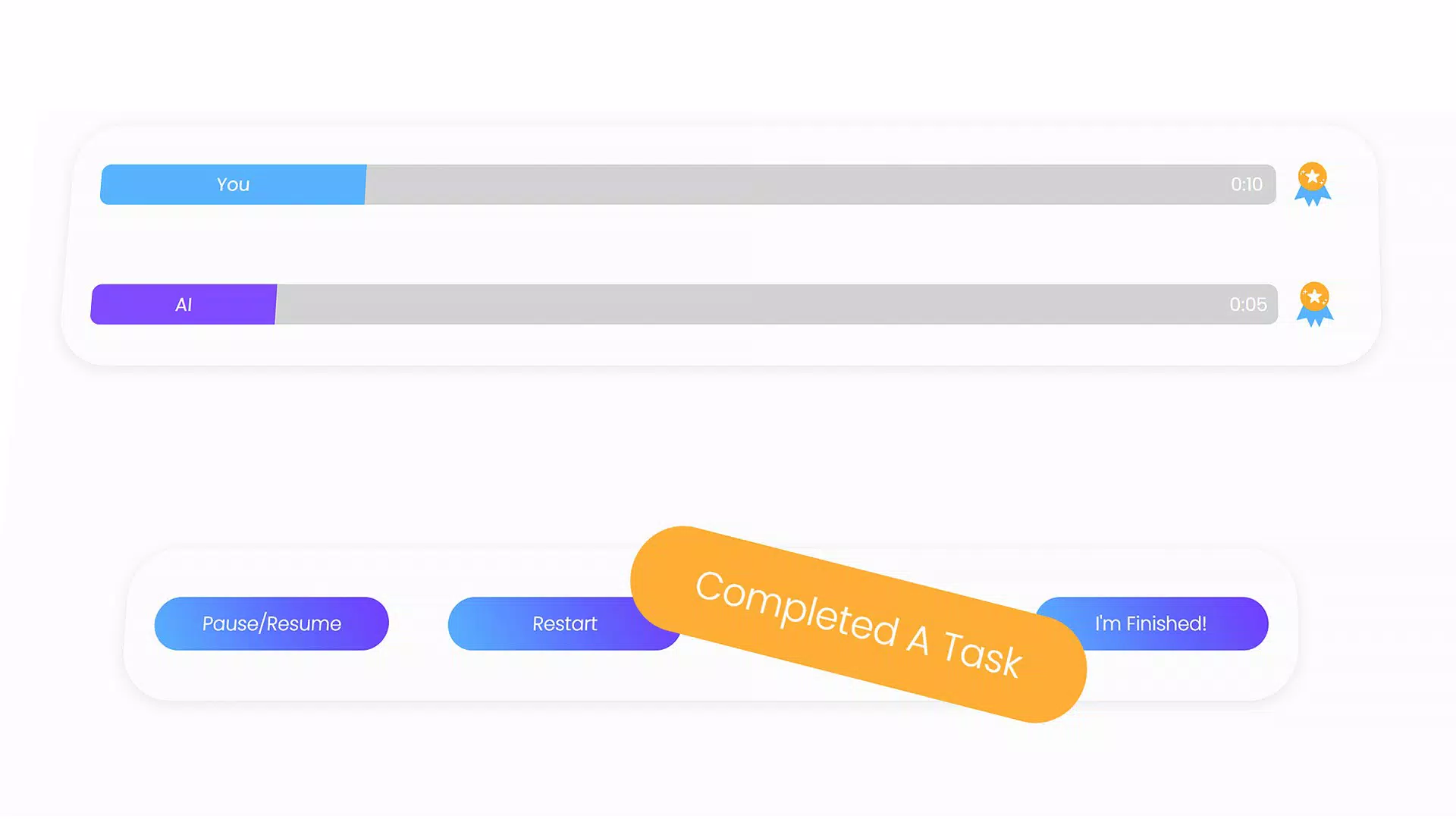
- Competitive Sprint: Users engage in timed challenges where they race against an AI opponent to complete assigned tasks. The AI adapts to user performance, creating a balanced and motivating experience that keeps sessions dynamic.
- Task Completion Rewards: Each task finished contributes to a growing reward pool, increasing the user’s chances of winning the sprint. This system reinforces positive behavior by linking productivity with tangible outcomes.
- Flexible Pausing: The app allows users to pause their sprint at any time without losing progress. This feature supports real-life interruptions, such as short breaks or urgent personal matters, ensuring continuity without frustration.
- Multi-Task Boost: Completing multiple tasks simultaneously triggers a speed boost during the sprint, encouraging users to prioritize and manage several goals at once. This enhances efficiency and adds a layer of strategic planning.
- Automatic Win: When all assigned tasks are completed, the user automatically wins the sprint. This feature provides a satisfying closure to each session and reinforces the habit of finishing what’s started.
These features work together to create a feedback loop that rewards consistency and effort. For example, a student preparing for finals might use the app to break down study material into sprints, earning rewards with each chapter completed. The competitive element drives them to finish faster, while the pause function allows for short rest periods without disrupting momentum.
Interface, UX & Performance
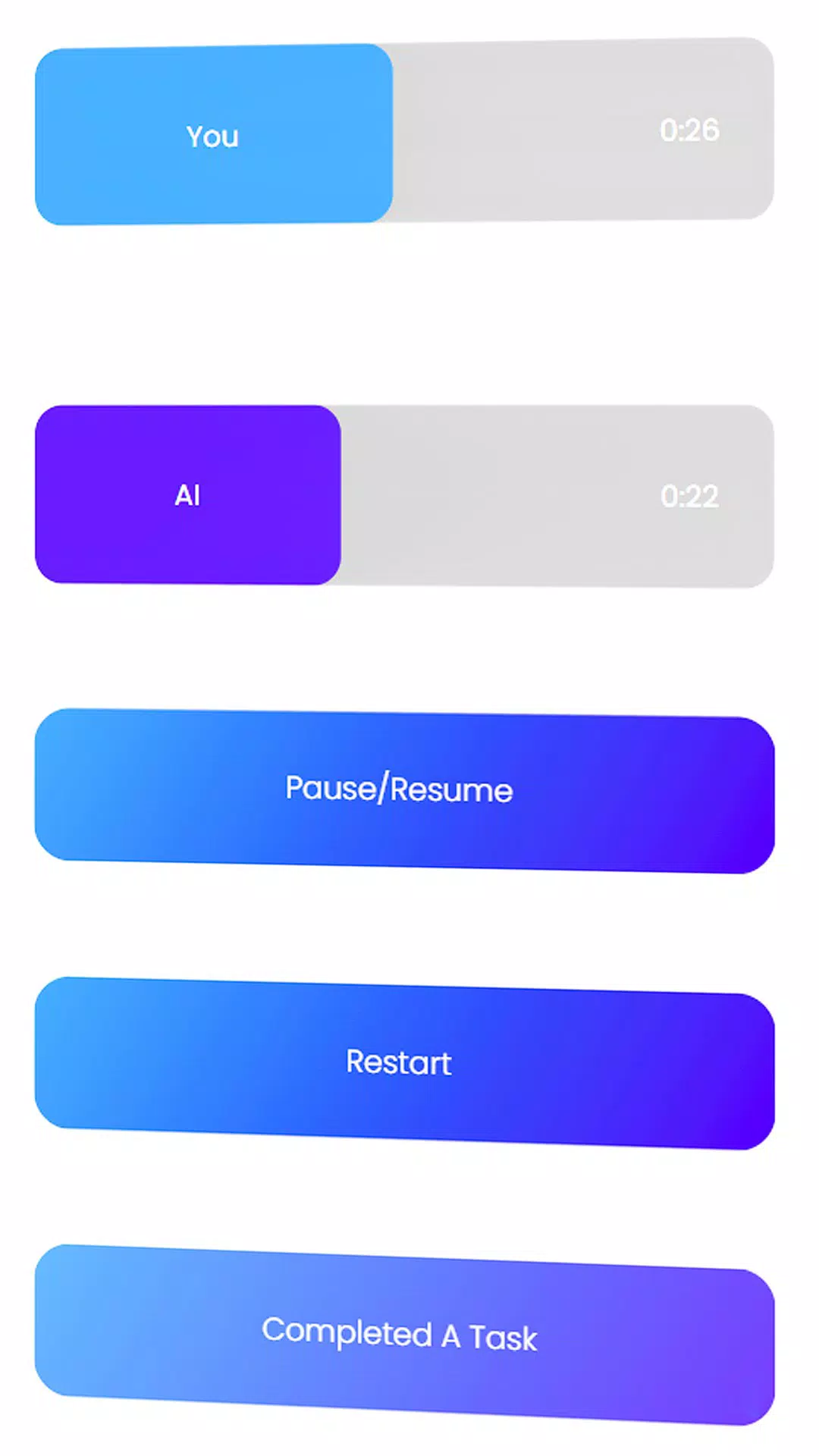
TimeSprint features a clean, minimalist interface with intuitive navigation that prioritizes usability. The layout centers around a visual sprint timer, task list, and progress tracker, all arranged in a way that minimizes cognitive load. The visual style uses calming colors and subtle animations to maintain focus without overwhelming the user.
Navigation is straightforward, with a bottom tab bar that allows quick access to the task list, sprint dashboard, and settings. The app responds promptly to user inputs, with smooth transitions between screens. Although the developer did not list formal performance metrics, the app’s lightweight size of 35.2 MB suggests optimized resource usage, which typically correlates with stable performance across mid-range and high-end Android devices.
Responsiveness is maintained even during active sprints, with no reported lag or crashes in available data. Stability appears consistent across different screen sizes and orientations, indicating thoughtful design for diverse usage scenarios. The app does not require excessive permissions, which contributes to a secure and streamlined experience.
Platform Compatibility & Technical Requirements
TimeSprint is available exclusively on the Android platform. The current version is 1.0.0, with a file size of 35.2 MB. This compact size ensures quick downloads and minimal storage impact, making it accessible even on devices with limited space.
The developer did not specify minimum OS requirements or compatibility details. As such, it is recommended to check the app’s availability on individual devices before installation. While no specific device categories were mentioned, the app’s lightweight design suggests it may function well on a wide range of Android smartphones and tablets released from 2018 onward.
Pros and Cons
Pros
- Engaging gamified approach to task management improves motivation and focus.
- Flexible pausing allows for real-life interruptions without losing progress.
- Multi-task boost encourages efficiency and strategic planning.
- Automatic win feature provides a satisfying conclusion to productive sessions.
- Free to download and use, with no in-app purchases mentioned.
Cons
- Platform availability is limited to Android only.
- Specific performance and compatibility details were not disclosed.
- No mention of cloud sync or cross-device access.
- AI behavior and difficulty adaptation were not elaborated upon.
- Only one platform is supported, limiting broader accessibility.
FAQ
Is TimeSprint safe to install on Android devices?
Yes, the app is free and available through official Android channels. It does not require excessive permissions, and its small file size suggests a secure, lightweight design.
Can I use TimeSprint without an internet connection?
While the app’s core functionality appears to work offline, the AI sprint system may require online access for real-time processing. The developer did not specify offline capabilities.
Does TimeSprint support multiple users on one device?
There is no information available about multi-user profiles. The app may be designed for single-user use.
How often is TimeSprint updated?
The app was released on August 20, 2024. The developer has not published a public update schedule or changelog.
Is there a version of TimeSprint for iOS?
Currently, the app is only available on Android. There is no official iOS version announced.
Final Thoughts
TimeSprint presents a refreshing take on productivity tools by blending gamification with practical task management. Its AI-driven sprint system, flexible pausing, and reward-based mechanics create a compelling environment for users who find traditional to-do apps uninspiring. The app’s lightweight design and free access make it a strong contender for students and professionals alike who want to enhance focus without added complexity.
While its exclusive Android availability and lack of detailed technical specifications are limitations, the app’s core concept is well-executed and highly relevant in today’s digital work and study landscape. For those seeking a fun, engaging way to stay on track, TimeSprint delivers a unique value proposition that balances entertainment with productivity.
Download TimeSprint now


